
Do you need your additional monitors to extend the desktop instead of duplicating it?
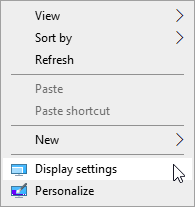
Right click on your Desktop and select Display settings.
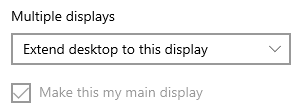
Scroll to the bottom and under Multiple displays set it to Extend desktop to this display.
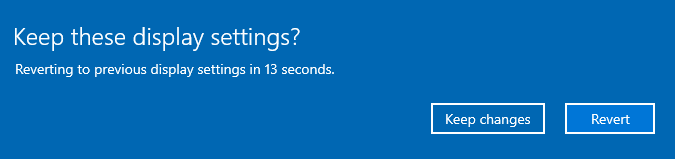
Click in Keep changes.
Scroll up and Click in Identify to see what number is assigned to each monitor.
If you do not like the arrangement simply just drag and drop the monitors to correct the position.
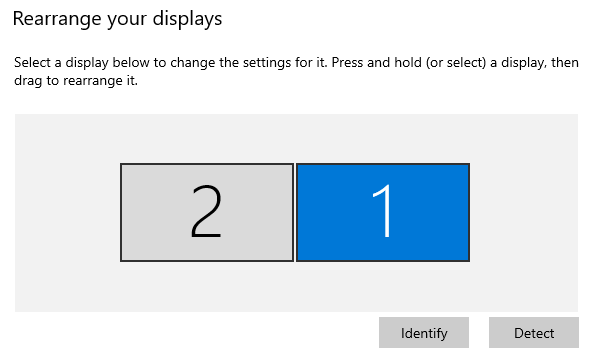
Additionally you can set which display you want to be your main one where your Start Menu and Taskbar will appear. Please make sure the desired monitor is highlighted blue before selecting this.

Comments
0 comments
Article is closed for comments.