Skip to main content
Webmail: Open another Mailbox
This is the process to open another mailbox that you have been giving permission to access using Webmail.
- This process opens a new tab so you can easily switch from your email to the other mailbox.
- You will need open that other mailbox tab every day and every time you close your browser.
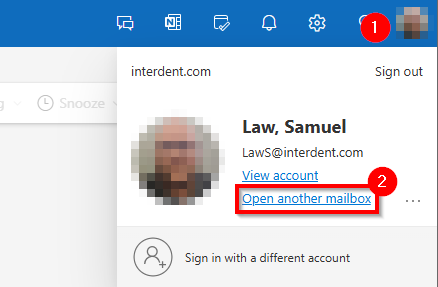
Select your initials/picture in the upper right corner to bring up the menu.
Select "Open another Mailbox.."
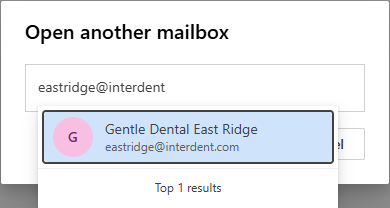
Enter the other Mailbox Name. The first time you must enter the correct name. Subsequently it will give you a small list.
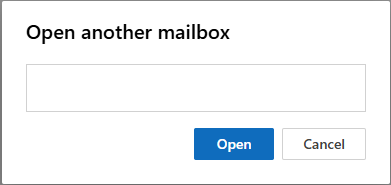
Select Open. This will then open a 2nd tab for this specific mailbox so that you can easily switch between your email and the shared mailbox.


Comments
0 comments
Article is closed for comments.