
Below are the steps to update Chrome.
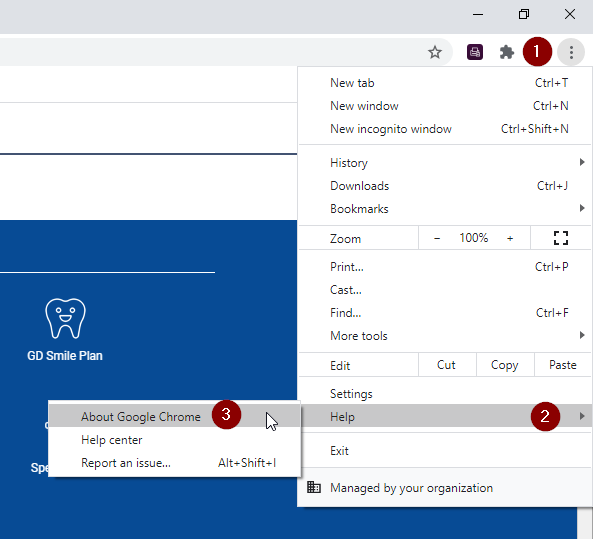
1. Launch Chrome then click on the three dots in the upper righthand corner.
2. Hover your cursor over "Help" then click on "About Google Chrome".
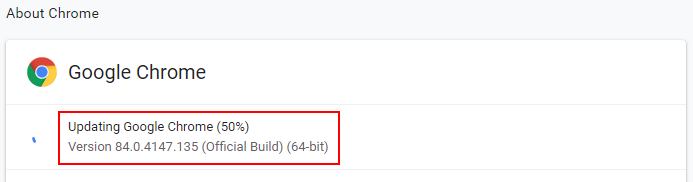
3. Chrome will automatically start updating. You will see a percentage counter.
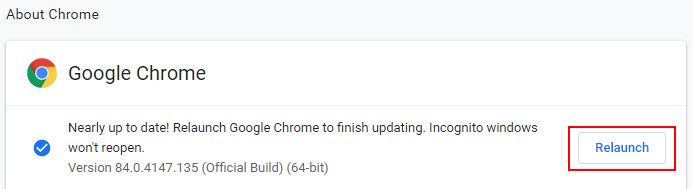
4. When the update has completed you may need to click on the Relaunch button for the update to take effect.
Comments
0 comments
Article is closed for comments.