
| On the home screen click on the phone icon |  |
|
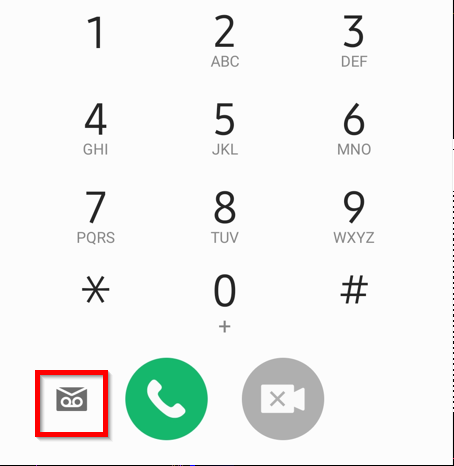
On the next screen click on the Visual Voicemail Icon. |
 |
|
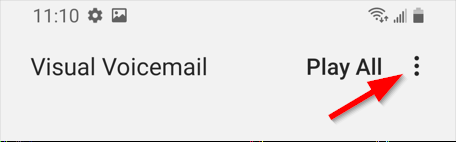
Click on the three dots in the top right corner. |
 |
|
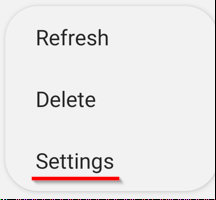
Select settings |
 |
|
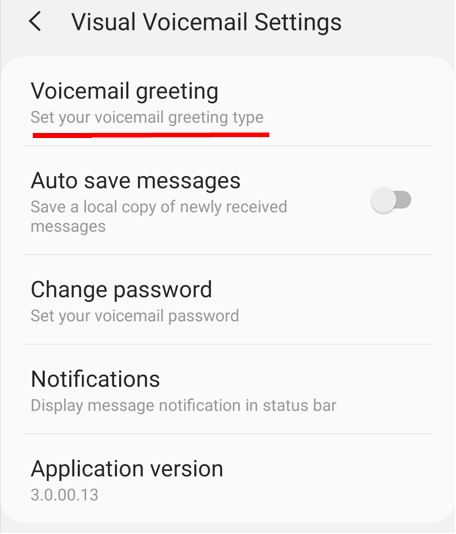
Click on Voicemail Greeting |
 |
|
Wait for the next screen to load. (this takes a couple of seconds) Select Custom Greeting |
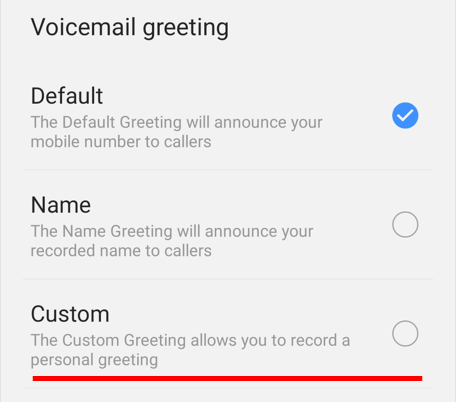 |
|
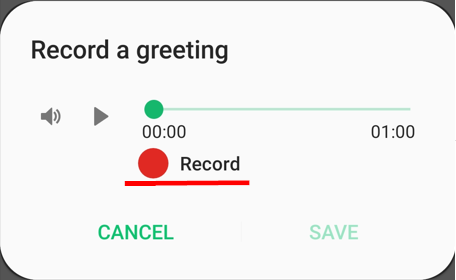
On the popup click on record to record a custom greeting.. Click on the record button again to stop recording and hit save to save your greeting. |
 |
Comments
0 comments
Article is closed for comments.