
|
Open the Chrome Broswer (not IE)
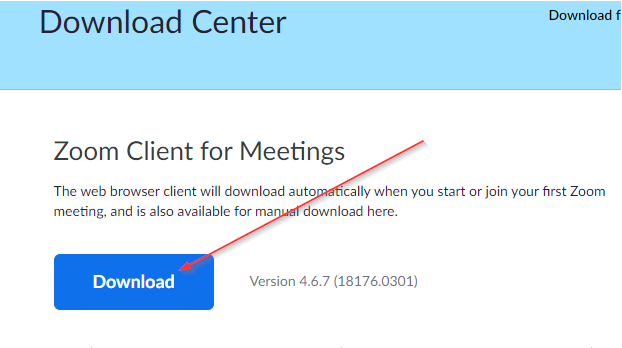
Go to https://zoom.us/download and download/install the Zoom Client for Meetings Application.
|
 |
|
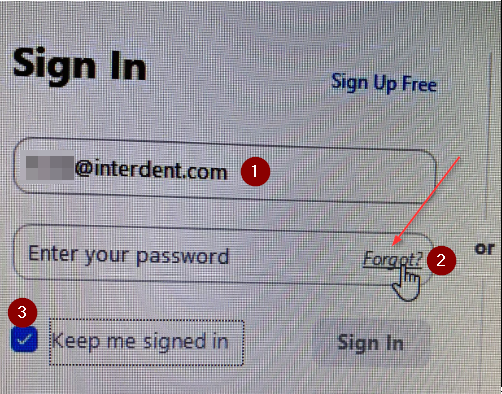
Sign into Zoom |
|
|
|
|
|
|
|
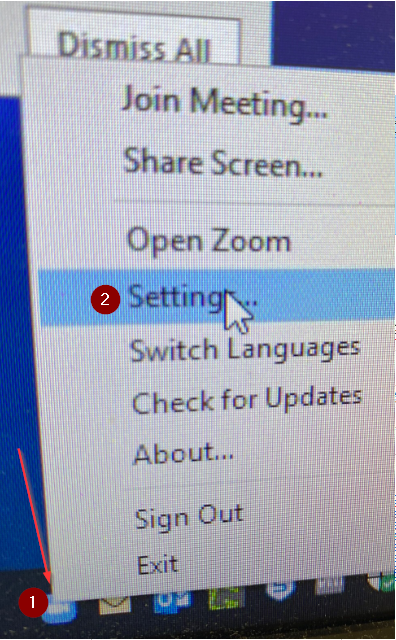
Right click the Zoom Icon in the lower right of the system tray. A menu will appear, Select Settings., |
|
|
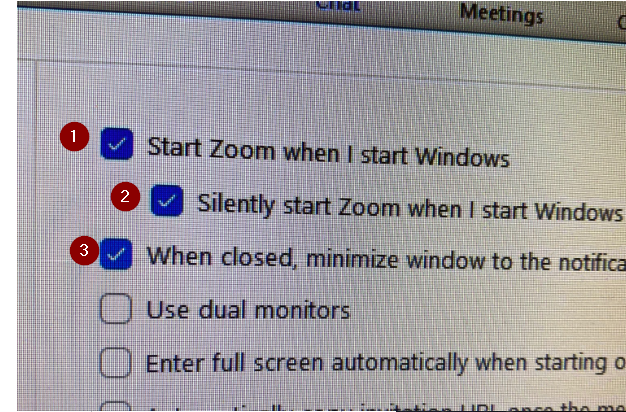
Make sure all 3 General Settings are checked. |
|
|
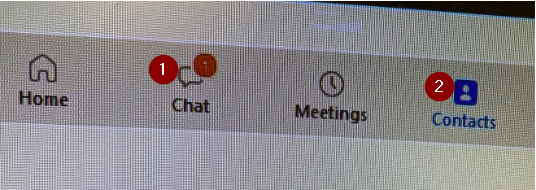
Select Chat from the main screen to start a chat. |
|
|
You can install ZOOM on your Phone! |
Go to your Phone store and search for Phone. |

Before you consider hosting a meeting you need to confirm your webcam works.
Recommend https://webcamtests.com/
Comments
0 comments
Article is closed for comments.